
Meet Epidemic Sound’s trusted sound effects partner, Soundly
Find the perfect sound effect for your project with Soundly.


Soundly is Epidemic Sound’s trusted sound effects partner. Founded in 2015, the platform is used daily by professionals across Hollywood, Bollywood, and everywhere in between.
Soundly captures sound effects on location, records professional in-studio foley, and preserves old classics. Here’s how Soundly helped recover and restore the iconic Wilhelm scream.
Join Soundly’s Christian Schaanning, senior creative advisor & co-founder; Joachim Jorddal, senior sound designer; and Ole Torstein Hovig, sound designer, to learn how to find the perfect sound.
When a user isn’t sure what to search for, how can they find the right sound?
Christian Schaanning: “Look at other films for inspiration. Pull a lot of different sound effects from the catalog. Search for whatever comes to mind. Don’t stop yourself. Quickly place it on the timeline and see how it works.
“Sometimes it just clicks, and a lot of times it doesn’t work. It takes nine mistakes to do that great thing, and that’s how sound works. You are communicating with your emotions, and it’s hard to predict and theorize.”
Ole Torstein Hovig: “Just test things. If it doesn’t work, it’s very easy to replace it and find something else. You learn something from every failure.”
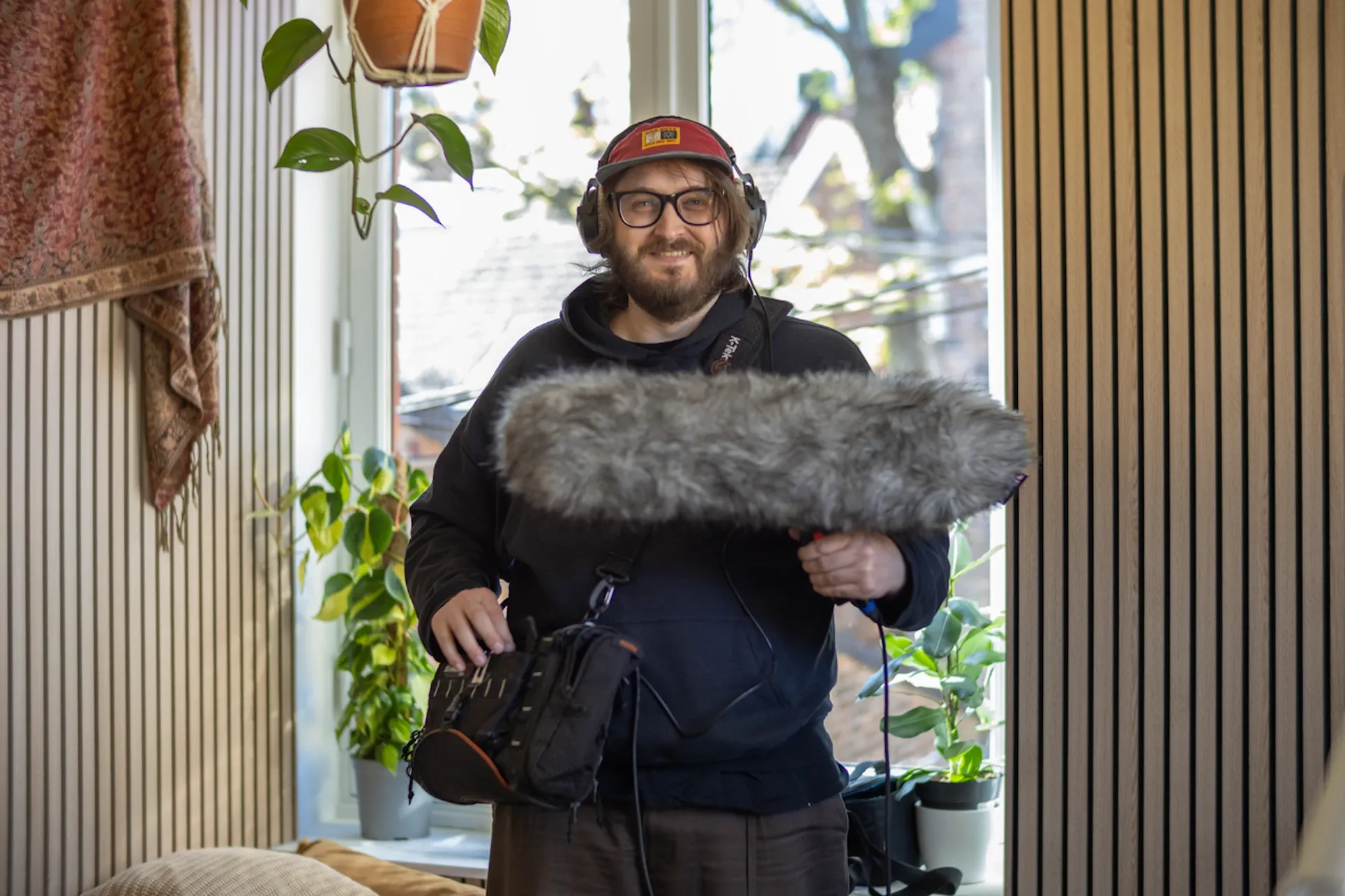
Joachim Jorddal: “This is a challenge you’ll often meet when working on more abstract scenes where you don’t have anything specific to attach your sounds to. In those cases, it can be wise to think about the feeling or mood you’re trying to evoke.
“Do a broad search using that feeling as the keyword — like ‘scary’ or ‘happy’ — and just start browsing sounds. If you come across a sound that piques your interest, save it in a playlist or collection, or try it out immediately.
“A blank canvas can often feel intimidating or overwhelming, so latching onto something specific can be a good starting point.”
Learn how Netflix’s award-winning Adolescence found the right effects with Soundly.
How do you know when a sound is perfect, rather than just “close enough”?
CS: “It gives you a small, uncontrollable smile. Or you forget about the sound and start watching the film. Then you know something is right.”
JJ: “If you play the content and the sound effect doesn’t draw unwanted attention — unless intentional — it’s most likely a good fit. Getting a second opinion from someone is also a good indicator. Humans are extremely sensitive to audible things that feel ‘off,’ so even your mom can be a good guinea pig for your mix.”
How do you think beyond literal sounds to create mood and emotion?
CS: “That’s the magic of sound. You need to find or create sounds that communicate with your emotions. A footstep can have 1,000 different variations, and to pick the one that makes your character the most in-sync with their emotions is the key…
“But it’s also the hard part. Because you need to try so many options. The more you work with sound, the fewer attempts you need.”

JJ: “Music is probably the most powerful creative outlet to convey and evoke feelings in others, so applying musical principles to your sound design is very effective. Using dark and disharmonious sounds versus light and harmonious ones; harsh and abrupt versus smooth and floating; or dense and chaotic versus sparse and low-tempo.”
OTH: “Use your own emotions, memories, and feelings. What emotions do you associate with certain sounds, and how can you use that in more abstract ways?”
Watch Soundly blast shotguns in freezing-cold Norway.
How do you create a sound effect?
CS: “A lot of mistakes, experimentation, and frustration. It takes time to process sound. With picture, you can pause a frame and evaluate the framing, color, actors’ facial expressions, lighting, composition, and so on.
“With sound and music, it becomes silent when you press pause. It can only be evaluated after experiencing a full section of the film. This makes it more time-consuming, but in my view, more engaging, because it evokes emotion when done right.”
JJ: “Sometimes, you find the right item or location, record it, and use as is. Other times, you must combine various sources to create something new or more exciting than what the real world has to offer. Sometimes, you can use synths or musical instruments, often in unconventional ways. You could go crazy with effects and processing in your DAW, or you could also combine all those methods I mentioned.”

What trends do you see emerging in sound design right now?
CS: “Clear and distinct-sounding mixes. The tools are getting better and can help fill up your frequency range, from deep bass to the highest frequencies. But the sounds that really show emotional depth are still the most important.”
Soundly’s full range of sound effects and features is available here. Soundly provides sound effects exclusively to Epidemic Sound.
Find, edit, and export the right sound effect with Epidemic Sound
Soundly’s catalog of more than 250,000 sound effects is available directly in Epidemic Sound. Find the right match in seconds with AI-enhanced workflows like Studio and Assistant.
Studio
Save production time. Retain creative control. Studio is the world’s fastest soundtracking flow, turning your rough cuts into rights-safe, professionally synced soundtrack drafts in no time.
Studio uses the speed of AI to ignite your creative spark, syncing every frame of your video with music and sound effects. Edit directly in Studio, export to your editing software, or work directly in Adobe Premiere Pro and DaVinci Resolve Studio with Epidemic Sound’s plugins.
Brief, find, edit, and export in one place. No tabs. No handoffs. Just Studio.
Assistant
Stop scrolling. Start creating. Assistant is your AI-powered soundtracking sidekick. Use natural language to chat with Assistant, or drop a reference frame from your project.
Bounce ideas, ask for inspiration, and get suggestions for any type of content with Assistant’s multi-turn conversation and clickable results.
Want to keep everything in one place? Bring Assistant directly into your creative flow with Epidemic Sound’s plugins.
Find sound effects your way.