
Studio is your new soundtracking flow. Here’s why
Introducing Studio: the world’s fastest soundtracking flow.

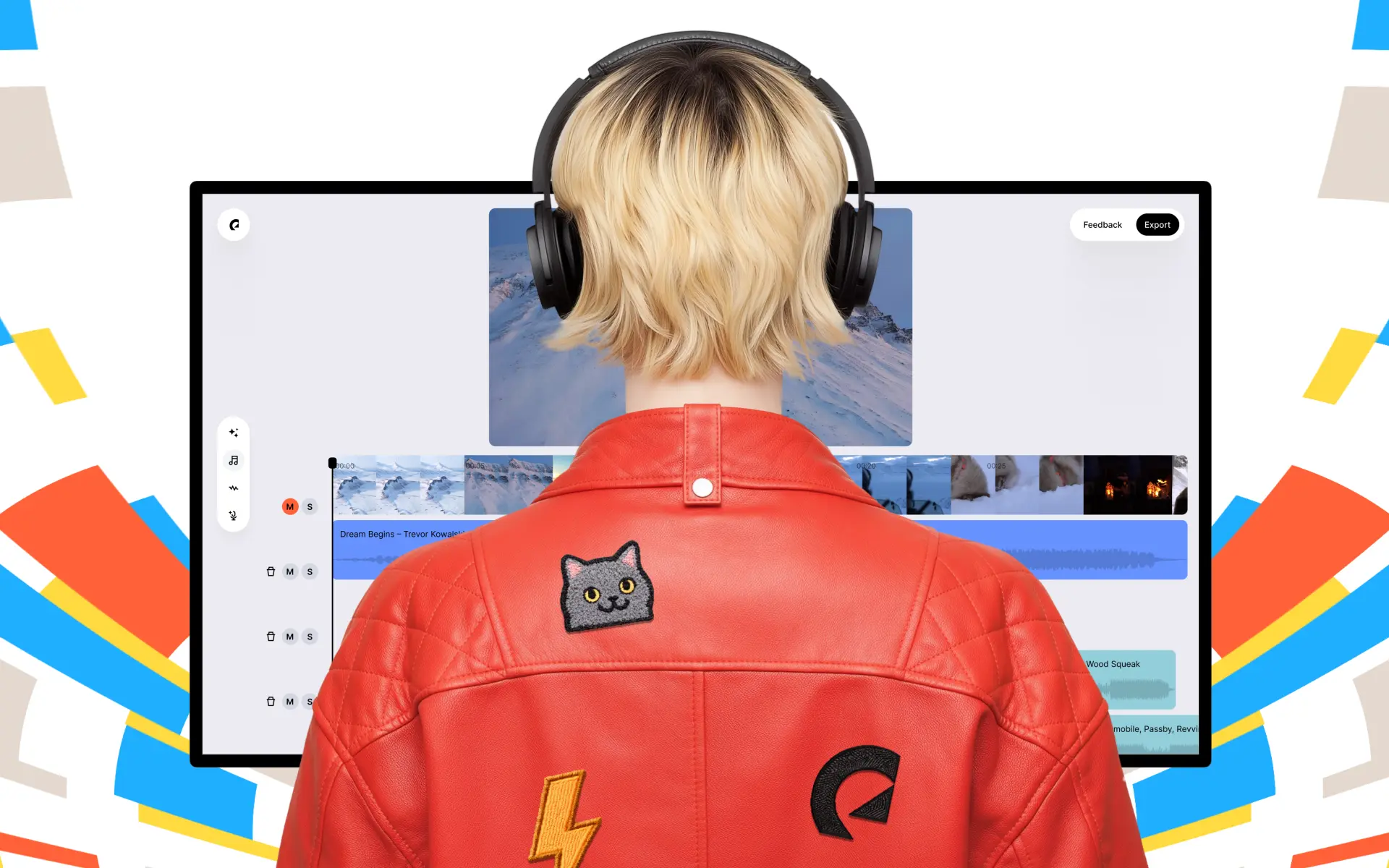
What is Studio?
Studio is the world’s fastest soundtracking flow, turning your rough cuts into rights-safe, professionally synced soundtrack drafts in no time. From there, you can review, refine, and realize your project, your way.
Studio uses the speed of AI to ignite your creative spark, drawing from Epidemic Sound’s catalog of more than 55,000 world-class tracks and 250,000 Hollywood-grade sound effects. All made by real artists. All cleared for use in your content and projects. Available directly in your Epidemic Sound account.
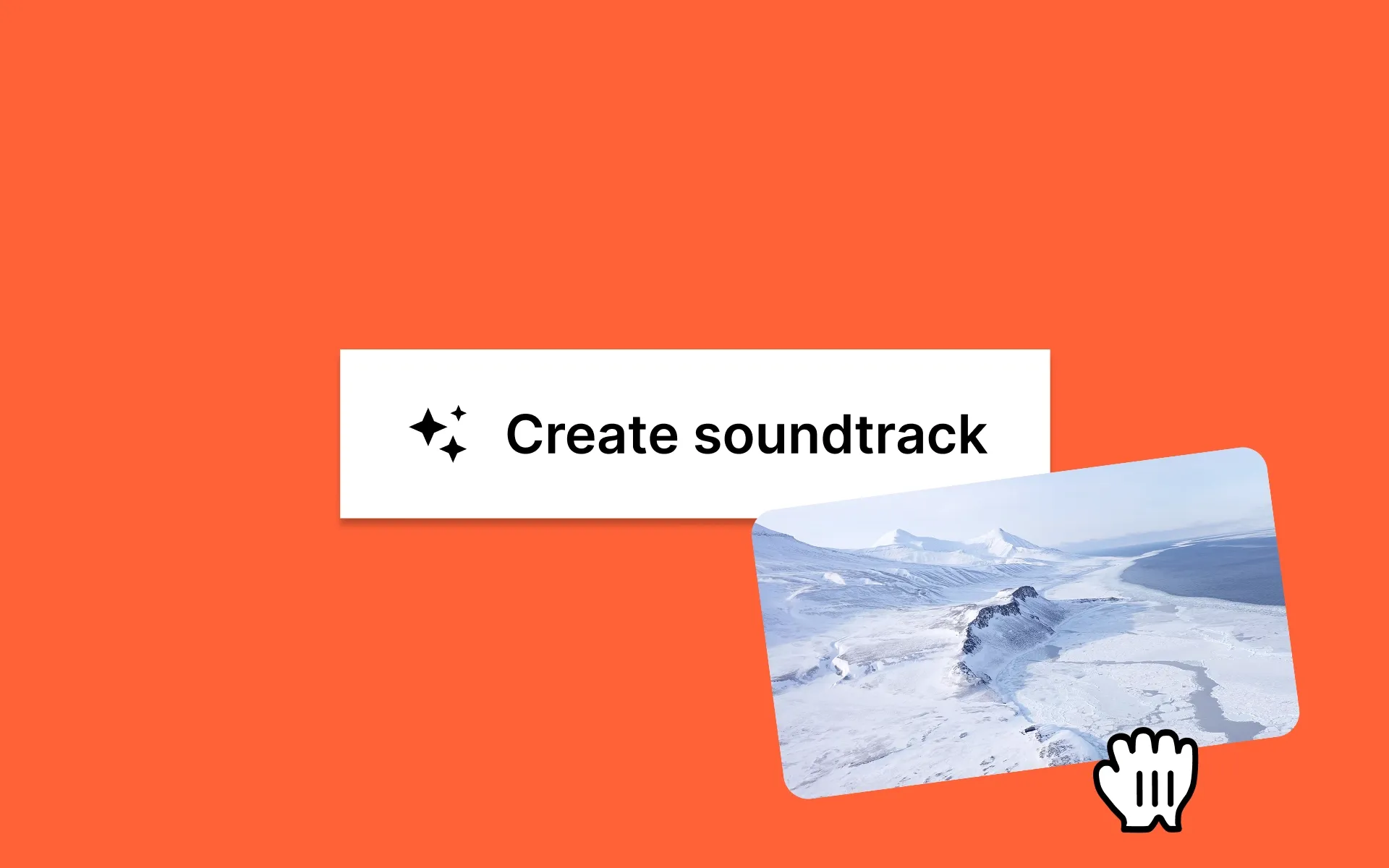
Here’s how Studio streamlines your creative work, giving you the time and tools to do what you do best:
- Need more inspiration?
- Need more time?
- Need more experience?
- Need more edits?
- Need more music suggestions?
- Need more licensing safety?
1. Need more inspiration?
Maybe you’ve hit a wall in the edit. Maybe you’ve not even started the edit. Creative block happens to the best of us, but Studio helps you power through it.
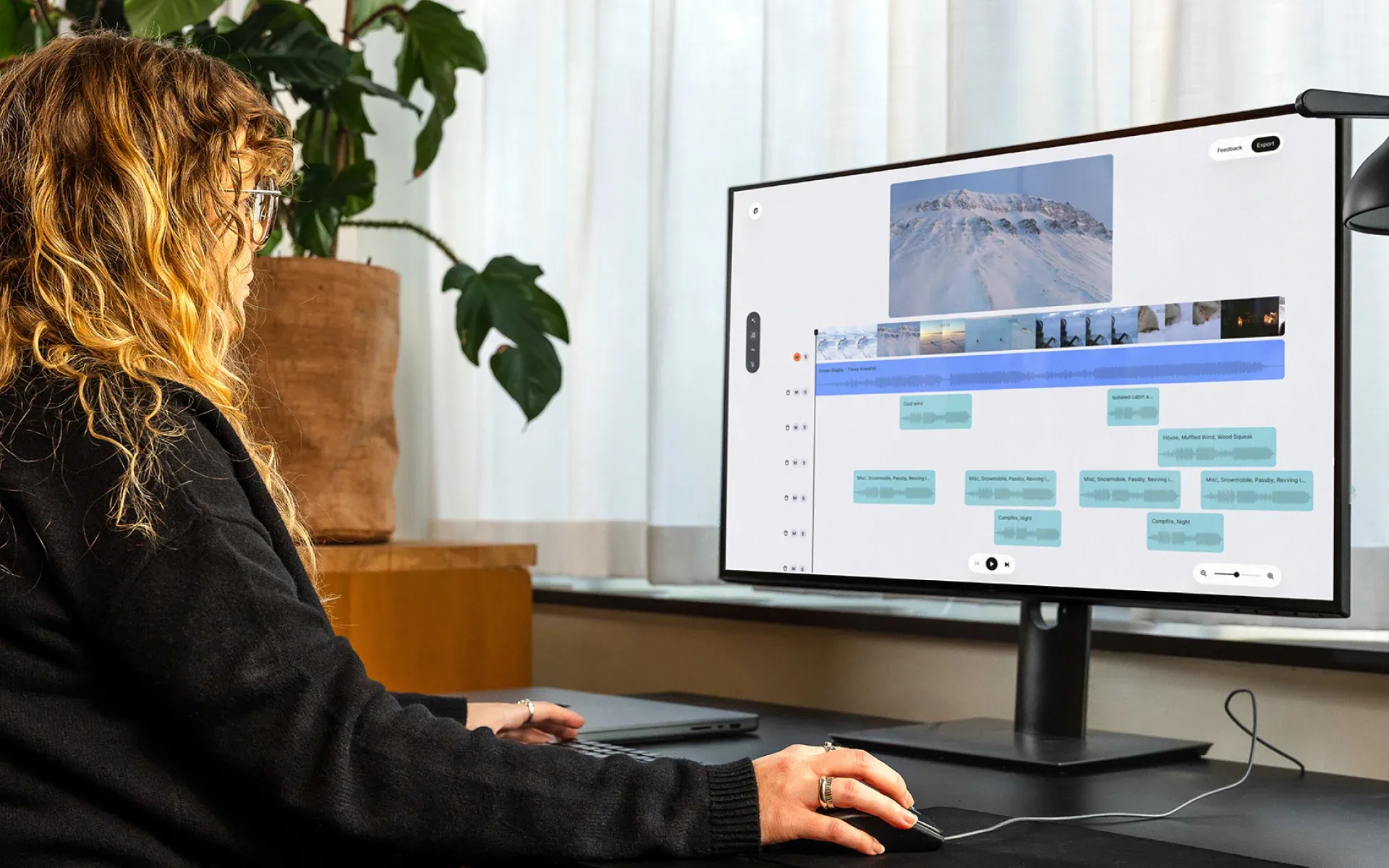
Upload your project draft to Studio and sit back. You’ll have a fully synced soundtrack draft in no time, which you can then edit directly in Studio. If you need to make more complex edits, you can download the Studio project file and take it to your non-linear editor of choice.
Restore your creative flow.
2. Need more time?
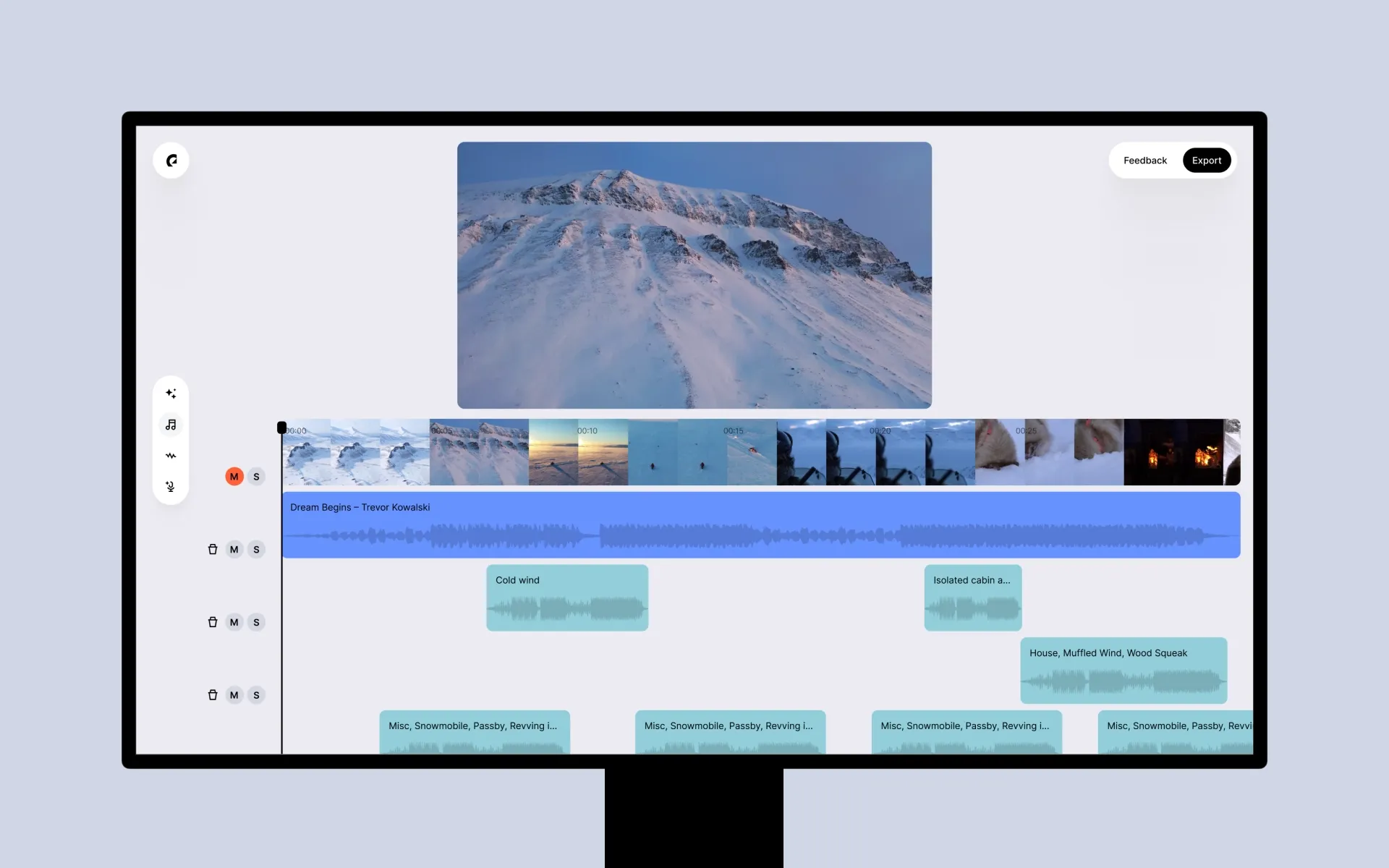
Editors spend hours searching for music and sound effects. That’s a lot of time you could spend doing something else.
So don’t worry about it. Reply to that email, make a coffee, or just kick back and relax. Studio instantly finds the sounds you need.
Stop searching. Start creating.
3. Need more experience?
If you’ve not mastered the Adobe suite or DaVinci Resolve Studio yet, don’t sweat it. Studio picks up the slack, syncing sound to every frame of on-screen action.
From there, Studio’s user-friendly interface lets you solo, mute, delete, move, and trim individual audio clips with confidence.
Get started on any project, right now. No experience required.
4. Need more edits?
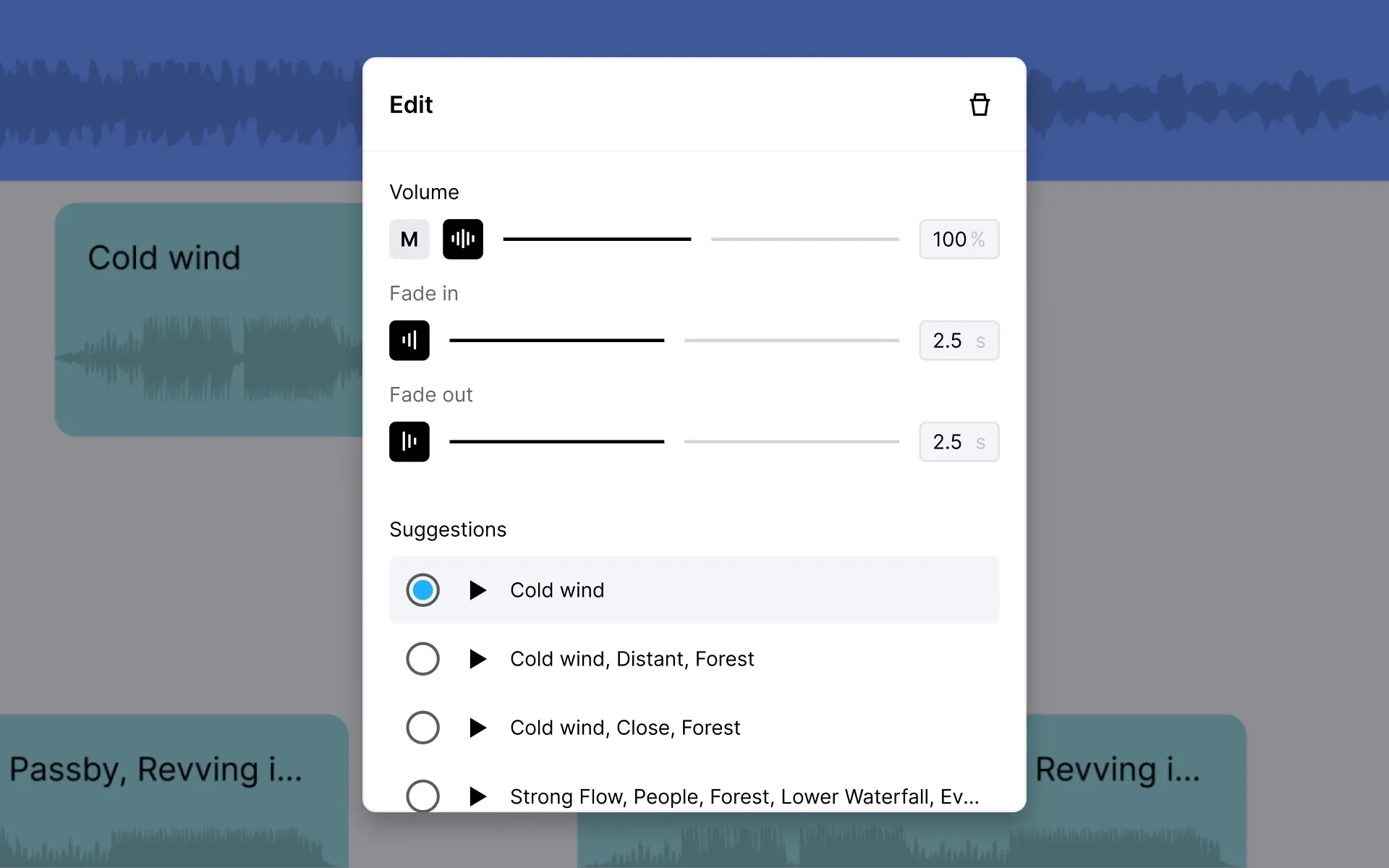
Your client just asked for three different edits by close of play. Don’t panic. Now it’s possible. Studio gives you the keys, letting you steer the vision you want to see. Create different versions, tweak them in Studio or your NLE, and keep that client happy.
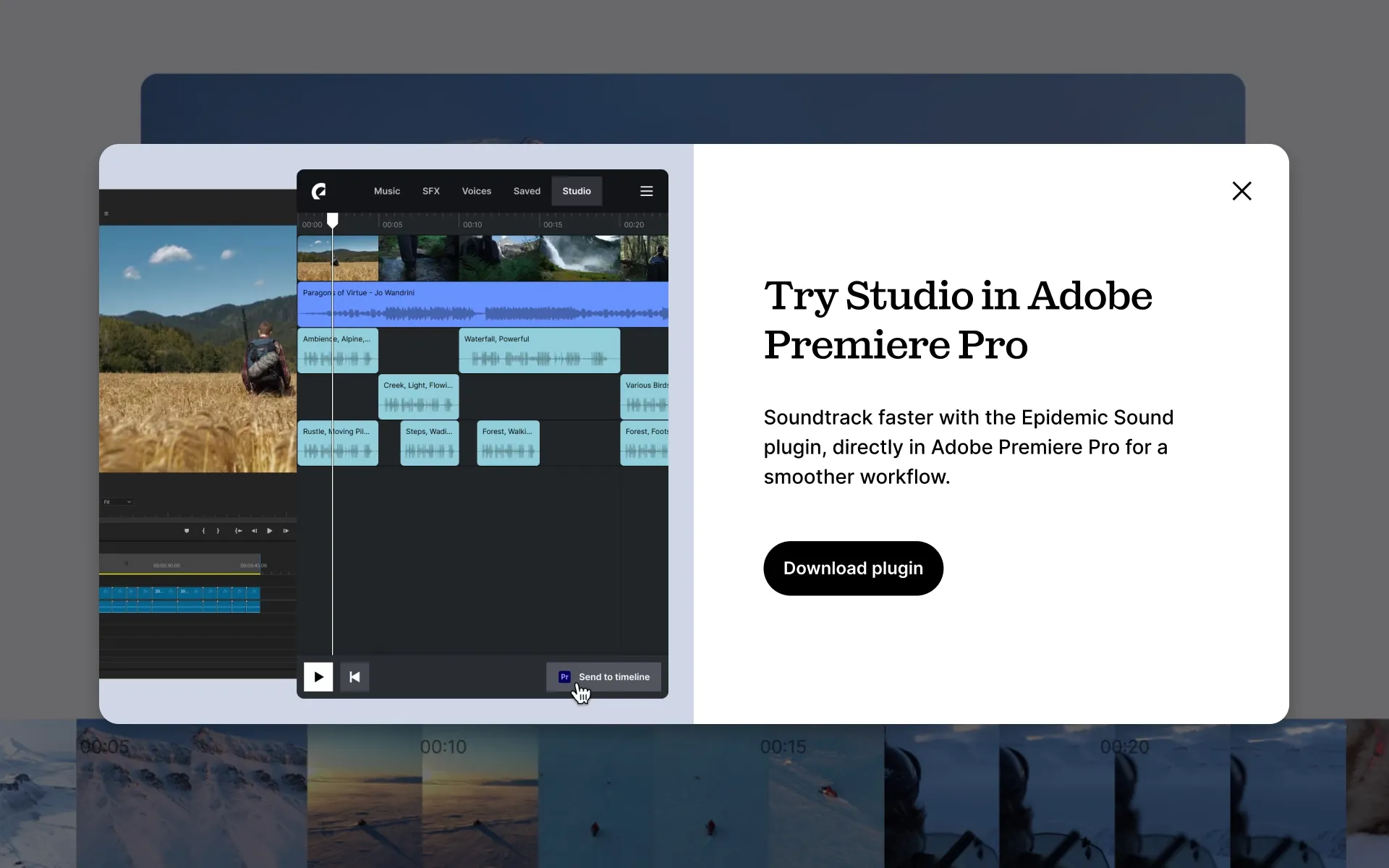
For even smoother soundtracking, access Studio directly in Adobe Premiere Pro and DaVinci Resolve Studio with Epidemic Sound’s plugins.
Create, iterate, create again.
5. Need more music suggestions?
You don’t need to be a professional music curator to pick a great track. Epidemic Sound’s music soundtracks 3 billion views across YouTube and TikTok every single day. The data from those syncs helps Studio understand what’s popular, and which tracks will match your content’s pace, mood, and genre.
We crunch the numbers. You make the magic.
6. Need more licensing safety?
Copyright claims. Demonetization. Lawsuits. All real risks you can avoid by safely licensing the music and sound effects in your content.
Epidemic Sound owns all the rights to its catalog. This means anything you publish via Studio is safe to monetize with an active Epidemic Sound subscription.
Epidemic Sound’s artists are paid fairly when their tracks are used in Studio. It’s AI done right, championing human creativity in a legally, financially, and ethically neat package.
Don’t worry about the license. You’re covered.
Studio is the next soundtracking step, but it needs you to make it to the finish line. Find the perfect sounds, sync them with your content, and create your way with Studio.
Need help getting started? Learn how to use Studio here.